
The M8Chat app
Install the app.
Put M8Chat on your computer, phone or tablet in under a minute. No app store, no download.
Use this guide when
- You want an M8Chat icon on your home screen, taskbar or dock.
- You want M8Chat to open full screen, like any other app.
The M8Chat app is a web app at app.m8chat.au. You do not have to install it, because it works in any modern browser. Installing just gives you an icon and a cleaner full-screen window.
- Step 1
Open the app and tap Install
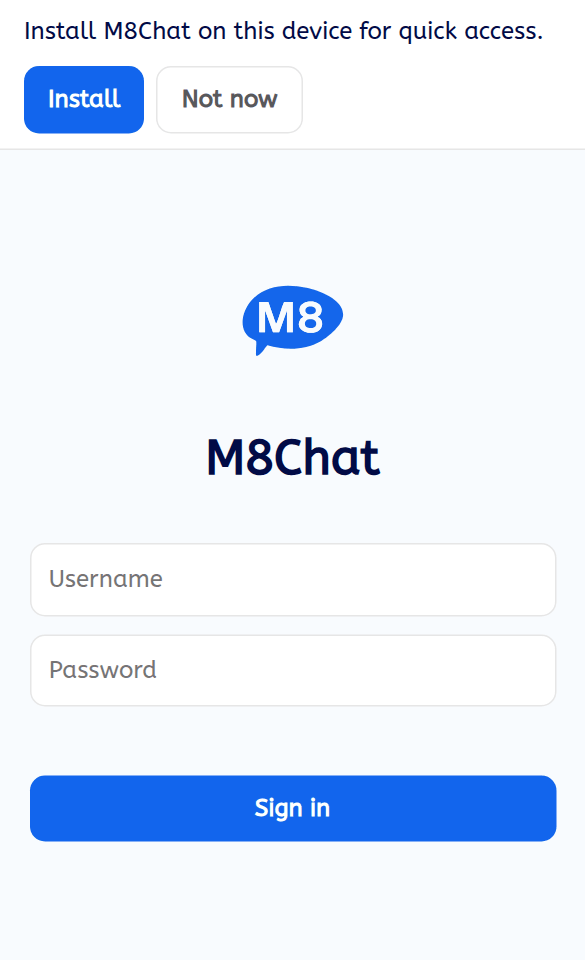
On your phone or computer, open your browser and go to app.m8chat.au. On Chrome, Edge and Android, a banner at the top says “Install M8Chat on this device for quick access.” Tap Install, then confirm in the box your browser shows.
Tap “Not now” to hide the banner for 14 days. You can bring it back with the “Install the app on this device” link at the bottom of your chat list.
- Step 2
On iPhone or iPad, use the Share button
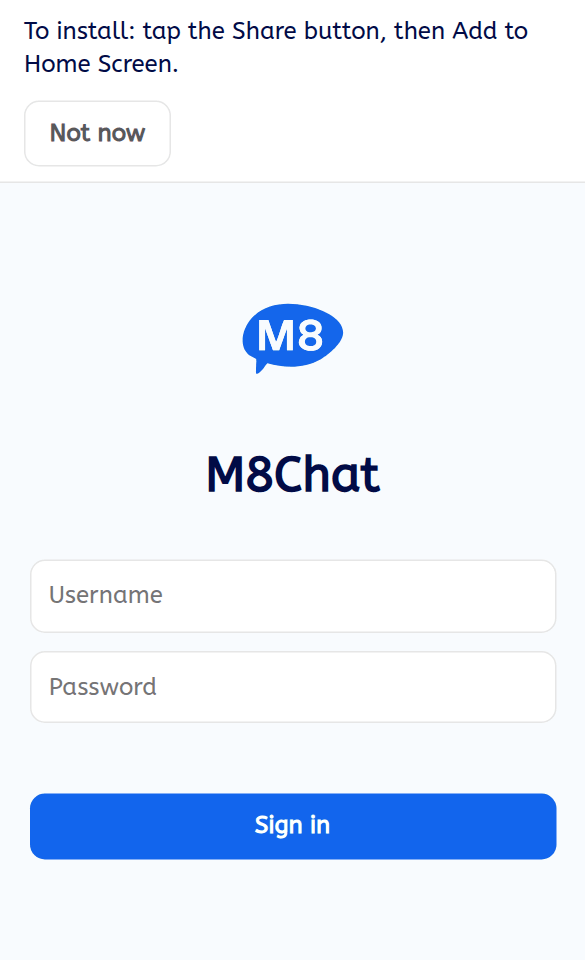
Apple does not let websites open an install box, so the banner shows the steps instead: “To install: tap the Share button, then Add to Home Screen.” Use Safari. Tap the Share button, scroll down, tap “Add to Home Screen”, then tap “Add”.
- Step 3
Other ways to install
- Android, if you cannot see the banner: open the Chrome menu (the three dots) and tap “Install app” or “Add to Home screen”.
- Windows, Mac or Linux with Chrome or Edge: click the install icon at the right of the address bar, or open the browser menu and choose “Install M8Chat” (Chrome) or “Apps”, then “Install this site as an app” (Edge).
- Mac with Safari (macOS Sonoma or newer): choose File, then “Add to Dock”.
Firefox on a computer cannot install web apps. Use the app in a normal tab, or install Chrome or Edge.
- Step 4
Open it from the icon
Tap or click the new M8Chat icon. The app opens in its own window, with no browser bars. You stay signed in on that device until you tap “Sign out”.
The app opens quickly because it keeps its screens on your device. You still need an internet connection to send and read messages.
If something goes wrong
I cannot see the Install banner
You may have tapped “Not now” (it returns after 14 days, or use the link at the bottom of your chat list). Check you are using Safari on an iPhone or iPad, or Chrome or Edge on Android and computers. Private or incognito windows hide the option. Firefox on a computer does not offer it.
Do I have to install it?
No. Everything works in a browser tab at app.m8chat.au. Installing is only a convenience.
How do I remove it?
Press and hold the icon on your phone and choose remove or delete. On a computer, open the app, open its menu and choose uninstall. Your account and chats are not affected.